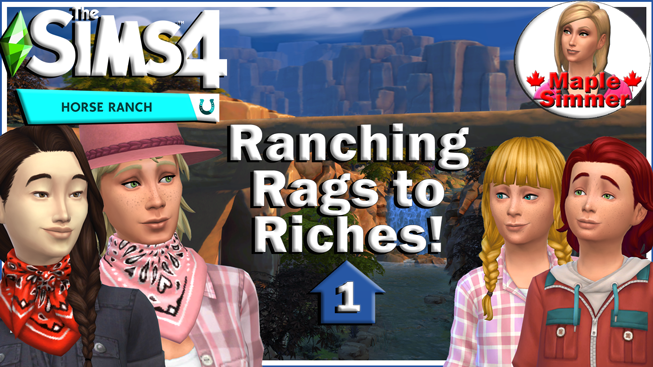
Our two main sims are Teen Holly Ito-FitzMoon (traits: genius & rancher, blond teen wearing pink cowboy hat) and her younger child brother Jared Ito-FitzMoon (trait: horse lover). Joining them is their grand aunt Nanami Ito (traits: animal enthusiast & genius), who is a teen and their first cousin, once removed, child Ivy Fitz-Moon (creative). They are all spellcasters. See cousin chart below as an FYI, I had to look it up to figure out the relationship!
See their outfits starting here in the Cottage Living LP finale.
The two main sims will stay for the entire LP, if I increase household size with MCCC, the other two may stay too, but that will depend on how things go!
Complete the Making Money scenario, earning the majority (approx a minimum of 75%) of our money from the Horse Ranch Pack, most of which will probably come from nectar!
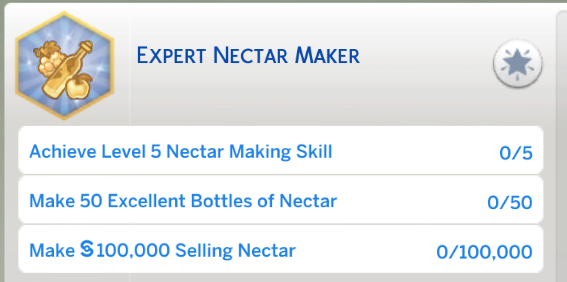
Complete the Expert Nectar Maker aspiration with at least two of our sims (see screenshot of aspiration below). Make at least one bottle of every type of nectar available to our sims, including the special one for spellcasters & the vitality nectar.
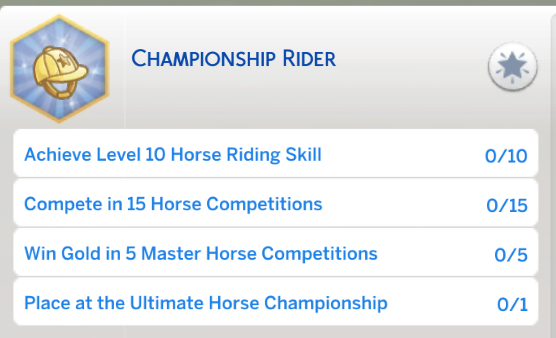
Complete the Championship Rider aspiration with one sim (see screenshot of aspiration below).
Explore the Deadhorse Cavern caves in the Galloping Gulch neighbourhood.
Have at least one foal and raise it to see what special traits is can get.
We will need a minimum of one child, possibly two, for the next generation, from either Holly or Jared, most likely Holly as she is older.
I will have some other aspirations I will work on including, but not limited to, the Fabulously Wealthy aspiration, two teen aspirations (Admired Icon and Goal Oriented) with any teen & all child aspirations with our sim children.
Rules:
Sims start with no money, though if starting with existing sims, miscellaneous personal items are okay, as long as they don’t overly help with the challenge. My sims have Nanami’s cow (that was unplanned, thanks game!) and a shed for her. They will have to pay for the shed and the two brooms (mops) they brought with them once they have funds.
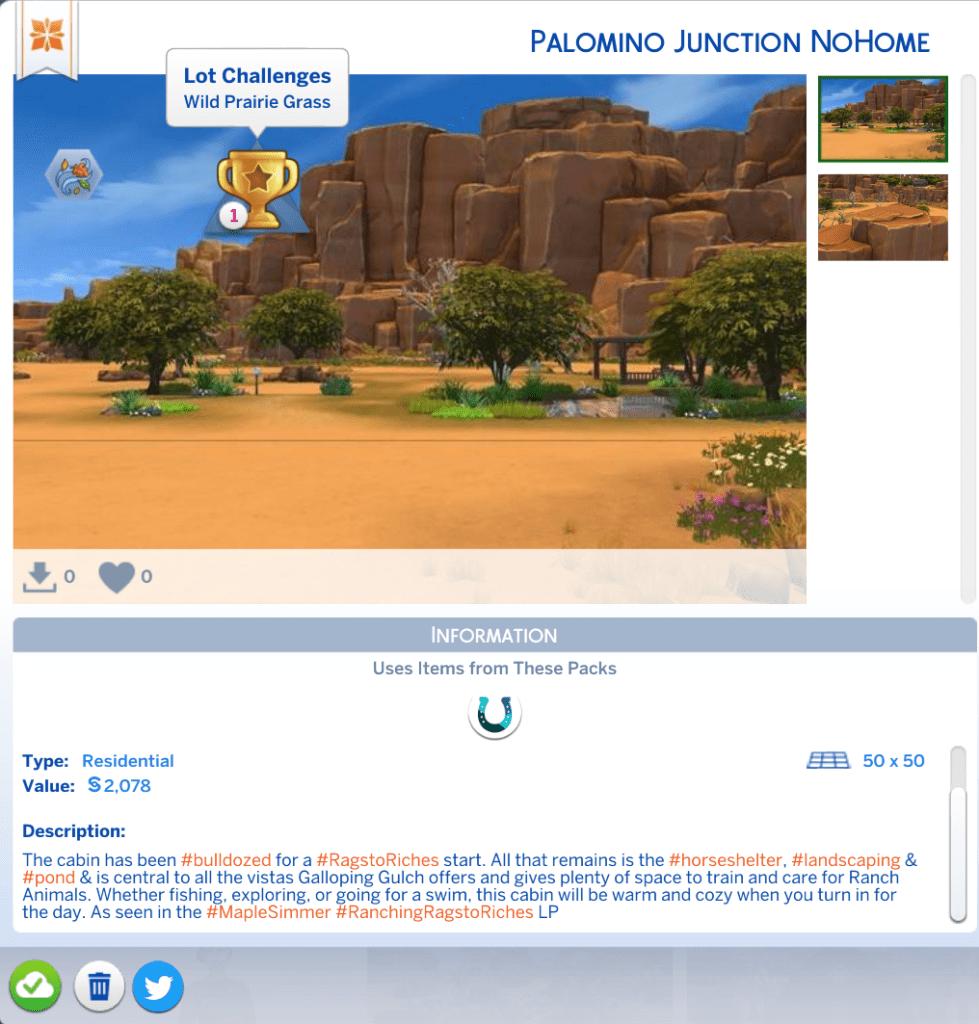
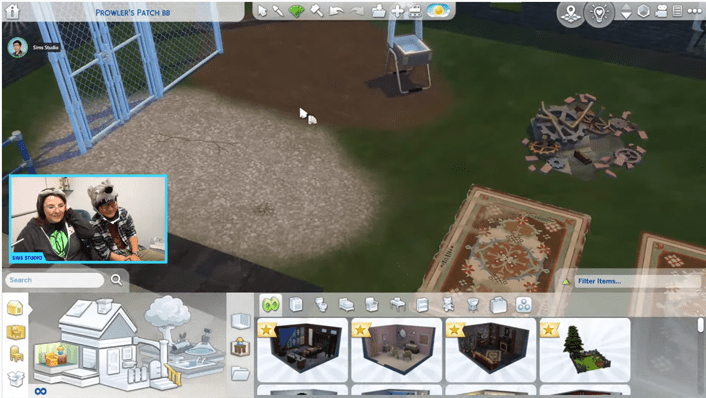
Start on the Palomino Junction lot in the Galloping Gulch neighbourhood, the house has been demolished and all that is left is the sheltered area for a horse, some landscaping and a pond that still needs a fishing sign! See screenshot below.
No selling into inventory until you have a yard sale table/street gallery (requires either City Living, Jungle Adventures or Eco Lifestyle).
Majority (a minimum of approximately 75%) of the money for the Making Money scenario should be from the Horse Ranch pack. Once that is completed you can make money however you want. Sims can get starting money from fishing, collecting, frog breeding, etc.
Aging can be whatever you wish. I will have it on long for my current household only.
You can use whatever type of residential lot you’d like. Mine will start as a tiny home (2 tier Tiny Residential), I may possibly change it to a regular residential lot later.
For more Rags to Riches guidelines, see my blog post or video.
Lot – can be found on the gallery under my ID, MapleSimmer:
Horse Ranch Mods in My Game:
I have a number of bug fixing, game tweaking mods in my game, but this will only cover mods that I’m using that are specifically for the Horse Ranch pack.
LittleMsSam has a few mods that are for the Horse Ranch pack, but I am only using the following: – https://lms-mods.com/
No indication given on how long the gallery maintenance will take.
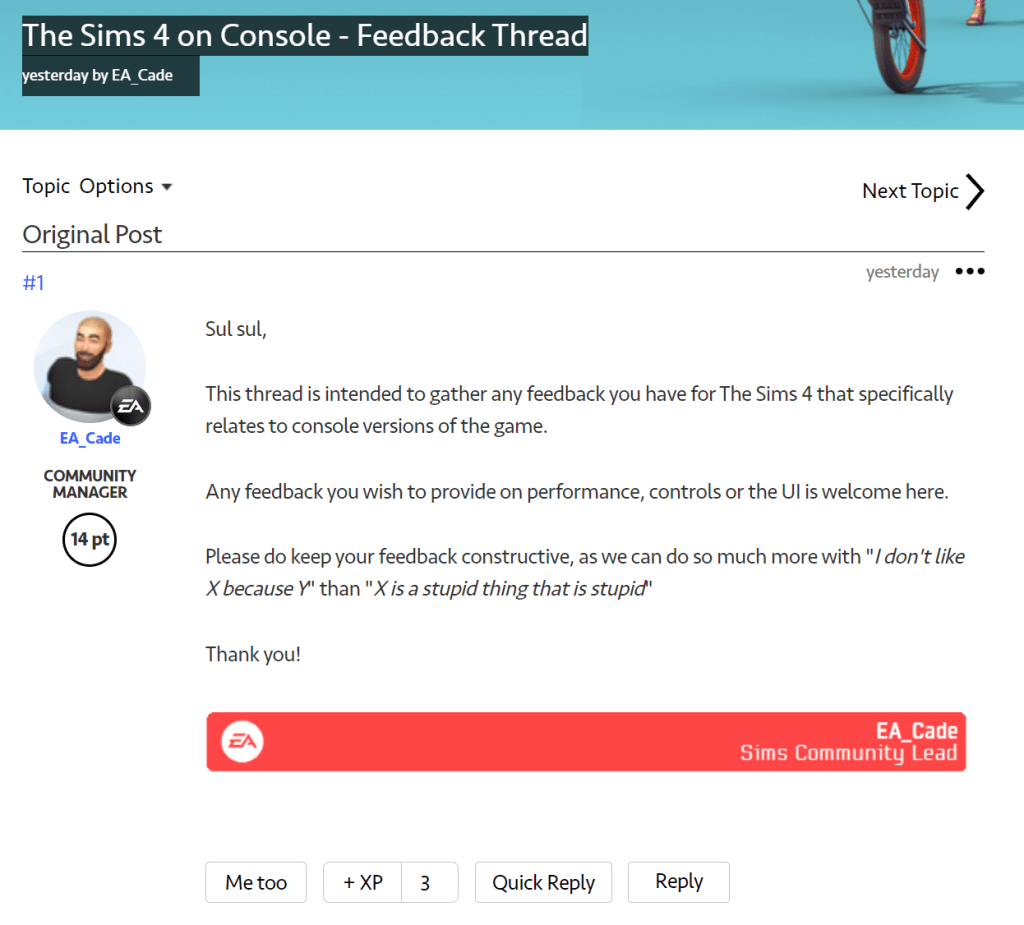
New Console Control Feedback Thread
The May 30 update brought more changes to console controls and EA has closed the old thread and created a new one. From what I’m seeing on the new changes, is negative.
Link to new thread I recommend going over there to comment with your feedback. Hopefully they are quicker to respond this time then they were last time.
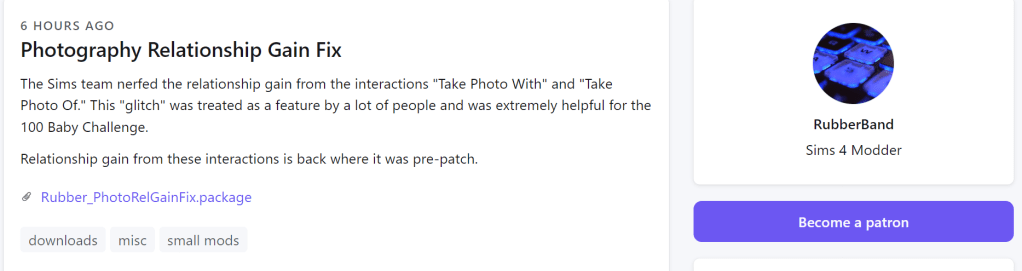
New Mod to Bring Back Relationship Gain When Taking Photos:
If you want to share your own Sims play with other friendly simmers, have any questions, or need troubleshooting help please head over to my Facebook group, Sims Sanctuary or my Discord
Video link where I go over the Oct 11/22 Sims 4 game update – what’s new, including the updated help system & the gift from ‘Emily’, what’s been fixed, the mod impact, & some kit icons found in the code!
If you have any questions, need troubleshooting help or want to share your own Sims game play with other friendly Simmers please head over to my Facebook group, Sims Sanctuary or my Discord. I can also be found on Twitter and Instagram.
This blog post includes links & summarizes what was in the video::
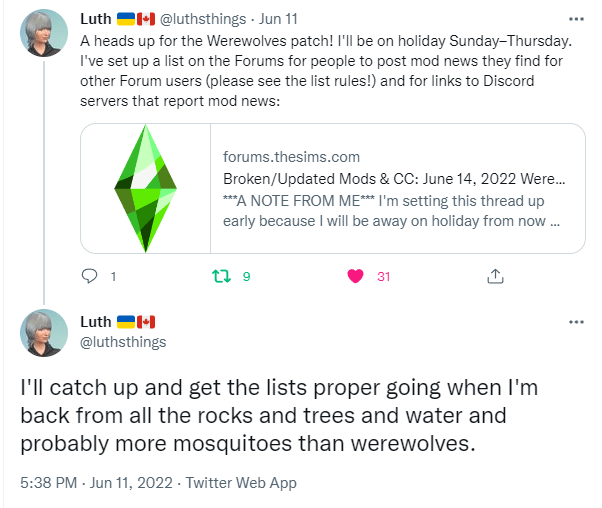
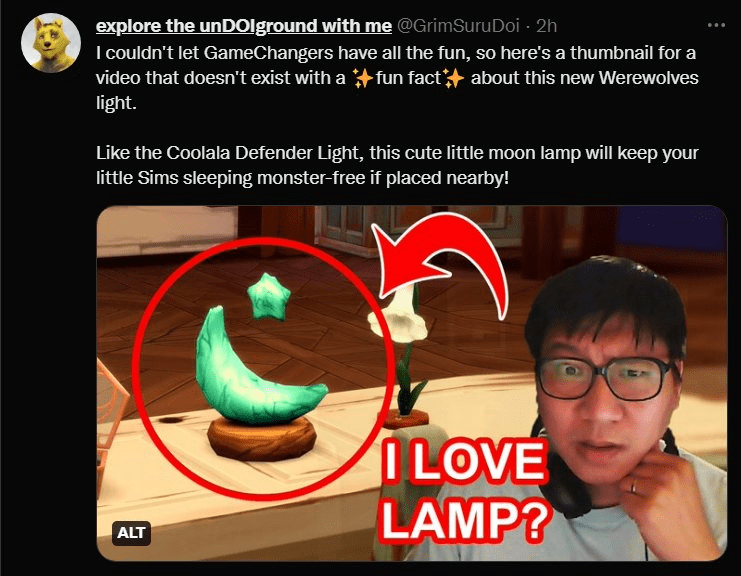
I) June 13/22 Surprise SDX II) June 14/22 Game Update (expected timing, what’s expected in it & how to prepare, & III) Random Tweets re Items in the Werewolves Game Pack (Jun 13/22).
1) Surprise SDX (June 13/22):
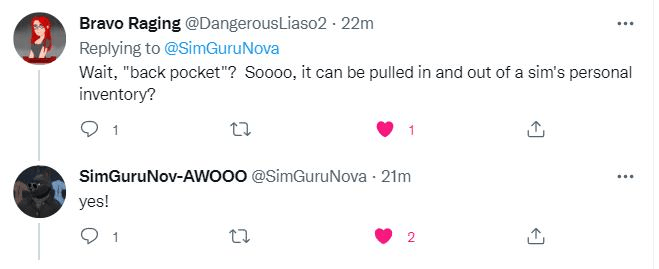
FYI, if you go in your game you will see there is an SDX, this is just to prepare the game for tomorrow’s update, no new content was added per this tweet by the Sims. But it looks like we’re getting meteors to go along with the new ‘back pocket observatory’ (i.e. the new telescope, see below for more information on that!)
II) June 14/22 Game Update
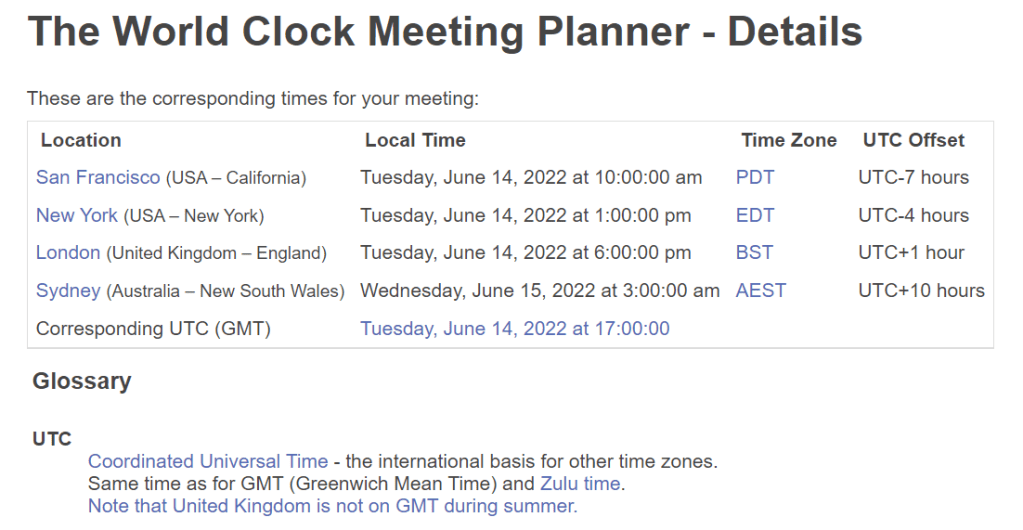
Expected Timing
The usual time for game updates is 10 am Pacific, here’s a screenshot of when that is in a few time zones:
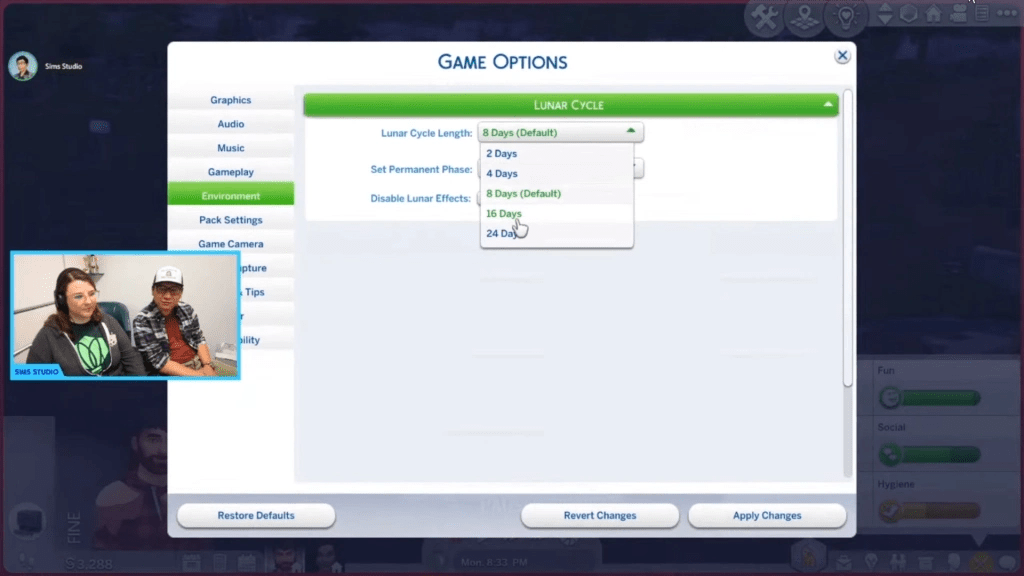
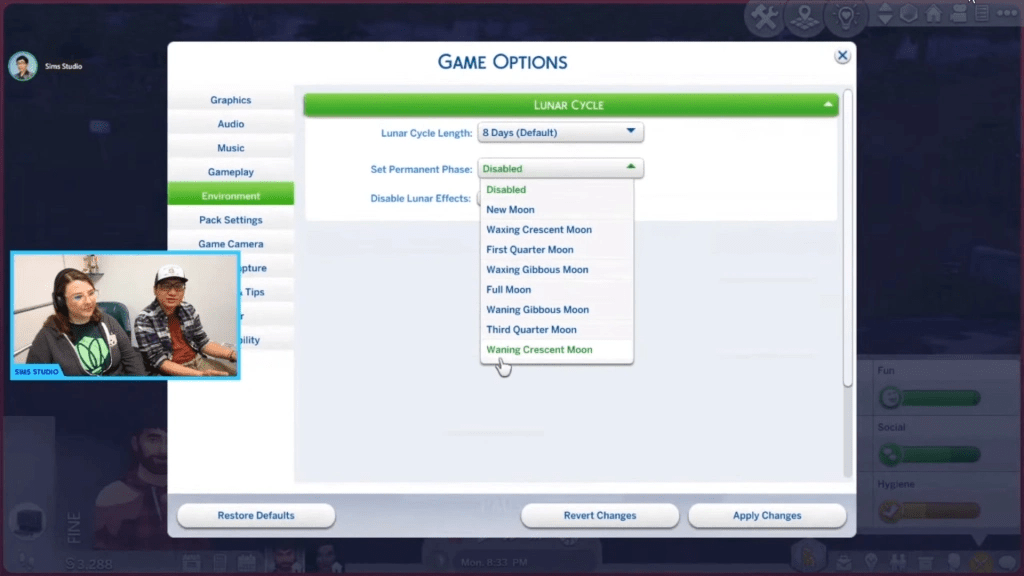
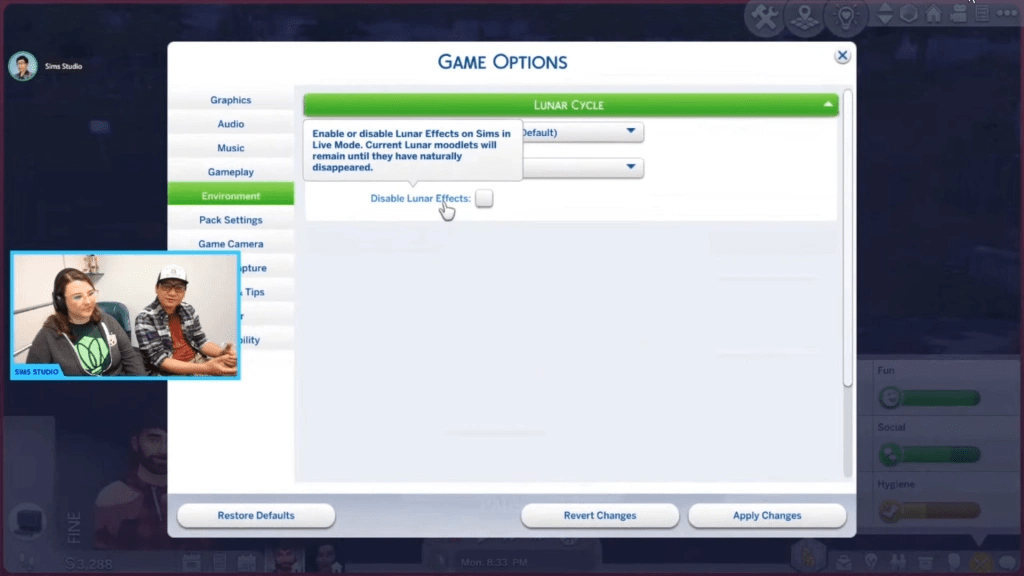
Lunar cycles affect werewolves (and other occults) more than regular sims, but regular sims are impacted a bit too. Kids can ask about the lunar cycles. You can customize lunar cycles, i.e. their length, freeze it on one cycle and turn it off completely.
Screenshot from LivestreamScreenshot from LivestreamScreenshot from Livestream
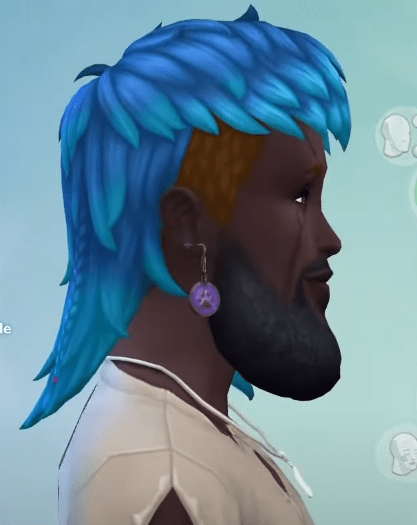
3) New beard
Screenshot from livestream, same beard, two different angles:
4) Two new terrain paints
Note new items added to base game do not show with a ‘new’ flag.
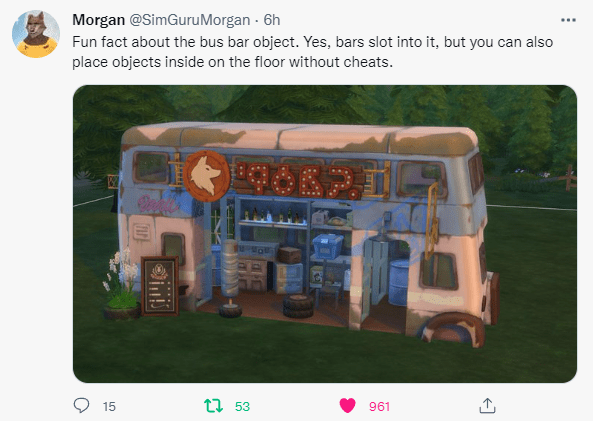
Information on the new ‘bus object’ (Link to tweet):
Link to my blog post overview of the Sims 4 Werewolves livestream.
Contact Me:
If you have any questions, need troubleshooting help or want to share your own Sims game play with other friendly Simmers please head over to my Facebook group, Sims Sanctuary or my Discord
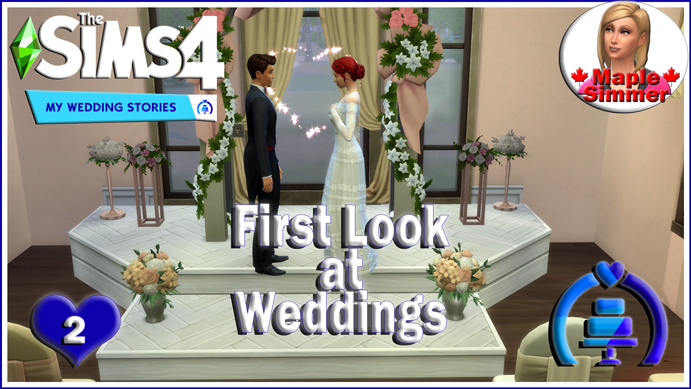
I thought I’d create a post that has information on issues and workarounds/mods to help with wedding ceremonies in the new My Wedding Stories game pack.
Wedding Ceremonies
My Wedding Stories has a lot of bugs and doesn’t seem to work properly. That said, I’ve been able to hold a successful wedding ceremony, even without using mods, see my video here to see that in action (and to see some of the issues 😊 )
If you’d like to see it, part 1 shows my set up of the wedding.
Here’s a link to my video where I show how weddings turn out with the use of some of the mods I mention in the mods section below. 😊
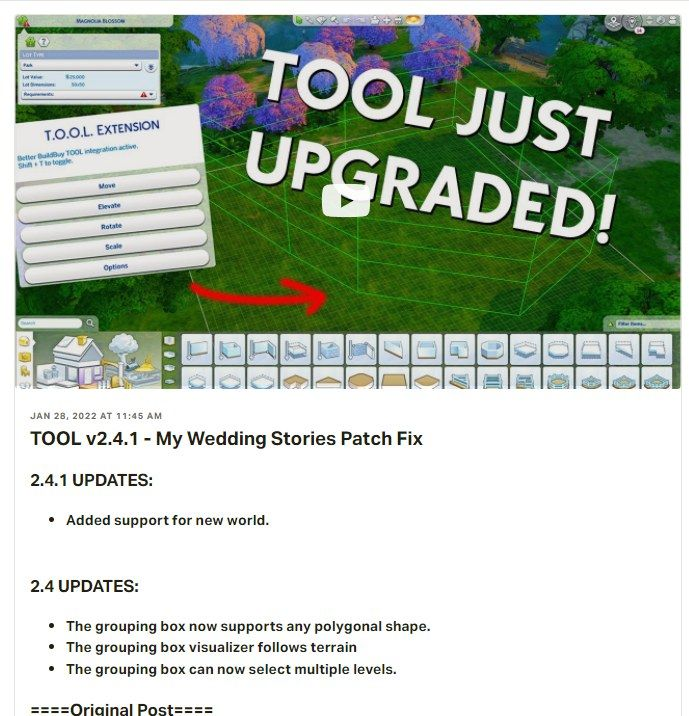
⚠️Note if you use the TOOL mod, there was an update for it to be compatible with the new world without the update you can’t see the new word. ⚠️
Sims can’t get married with an officiant: If your sims can’t get married if they try to use an officiant, the action will hang. Cancel/reset your sims and choose either say vows or say vows and kiss. Do not choose an option with an officiant. I recommend not asking anyone to be an officiant at all, I noticed that my sim of honour, etc. didn’t stick when I asked a sim to be an officiant. I think this may be the EA AHQ report for this issue: https://answers.ea.com/t5/Bug-Reports/MWS-No-way-to-activate-the-officiant/m-p/11316525#M208162
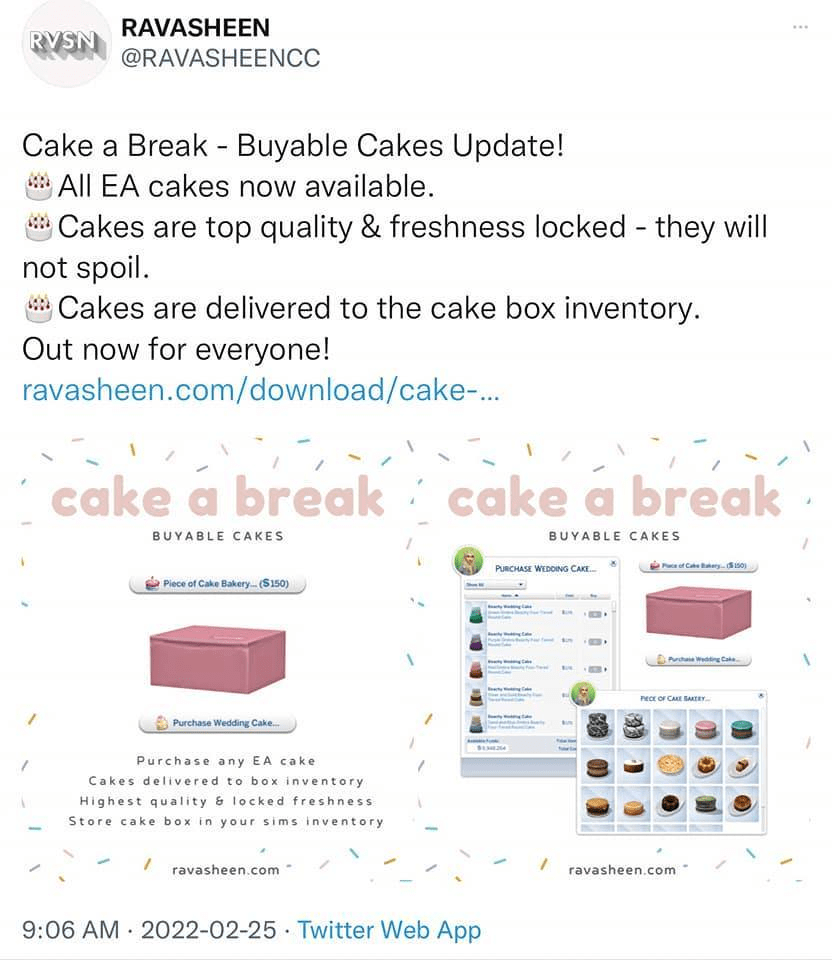
Wedding cakes will spoil, even if they are put in the fridge. See mods (one by Ravasheen & in Bienchen’s mod batch) linked in the mod area that can help with that. Alternatively, if a sim with the ‘fresh chef’ trait makes the cake, it will never spoil. You get this trait by completing the chef aspiration, or you can use the cheat ‘traits.equip_trait Trait_FreshChef’ to add it to one of your sims, just make sure cheats are on (‘testingcheats on’ or ‘testingcheats true’, don’t include the quotes for any of the cheats noted here).
Cut the cake doesn’t work, unless you place it in the middle of a round dining table (thanks to Bienchen for that tip). Feeding cake to your spouse will also complete the tradition.
Guests don’t show up in wedding attire (this has a bug report on EA AHQ). Carl’s mod, linked below, can help with this or alternatively you can use Bienchen’s mod, also mentioned below (you need to choose one or the other as they conflict).
Only one sim can walk down the aisle, action will freeze if you try to get two sims to walk down together. I recommend only using one sim to walk down the aisle, or I have had luck sending two sims ‘up’ the aisle. Carl’s mod helps with this too.
Can’t walk down the aisle with a wedding bouquet.EA AHQ report. I just recommend not using a bouquet when you walk down an aisle, or if you can/do use mods, this is also fixed with Carl’s mod.
Issues with doing a toast: If you want to do a toast, have your sim request someone else to toast, this will complete the tradition.
Can’t toss bouquet: I have had success throwing the bouquet when you specify who is to catch it. If you are having problems, try resetting the sim who is doing the bouquet throw.
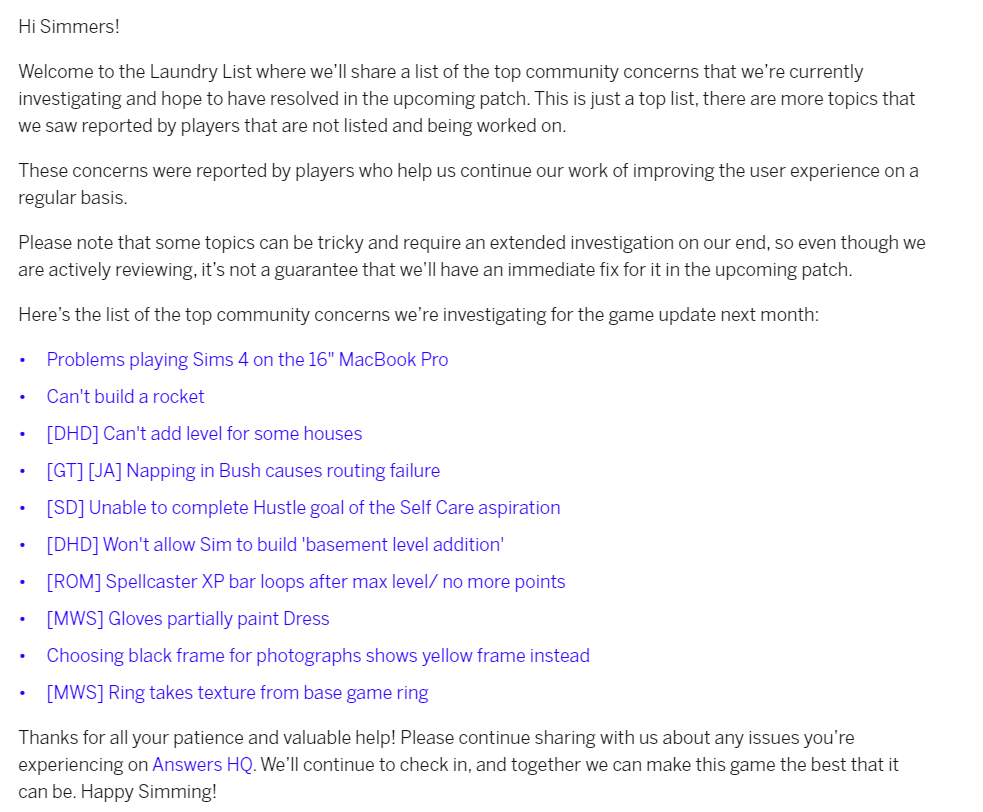
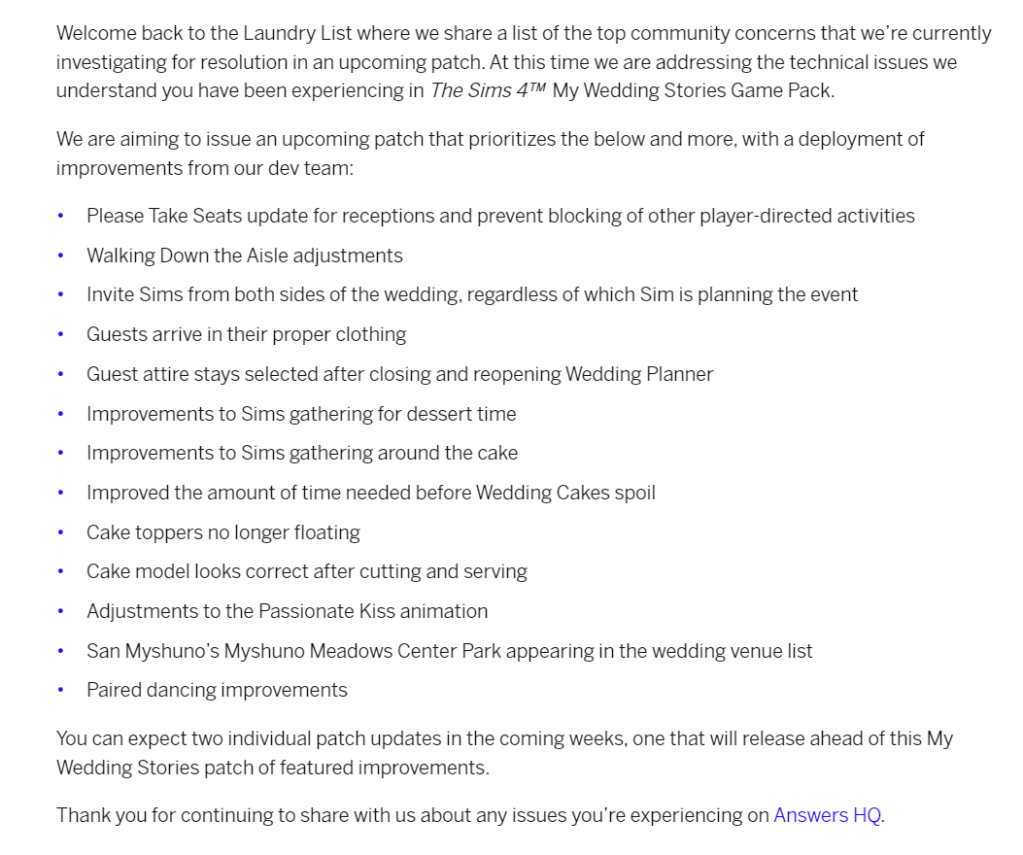
My Wedding Stories Laundry List:
Note that EA released a My Wedding Stories Laundry List on March 3, 2022 which listed some of the things they are working on and hope to have in a game update soon, though this will follow an already planned update that will precede it. I expect the planned update will be for the release of the next unnamed Kit. See my video on that.
Mods to Help With My Wedding Stories:
Note choose which wedding fix mod you want to use as they will conflict with each other. So either use the Carl Sims wedding fix mod, Zero’s wedding fix mod, or the appropriate Bienchen mods.
Carl Sims Wedding Fix Mod:
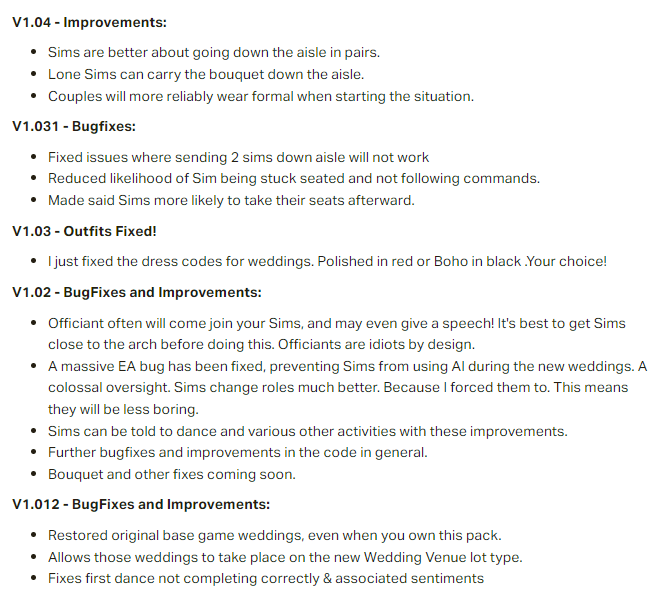
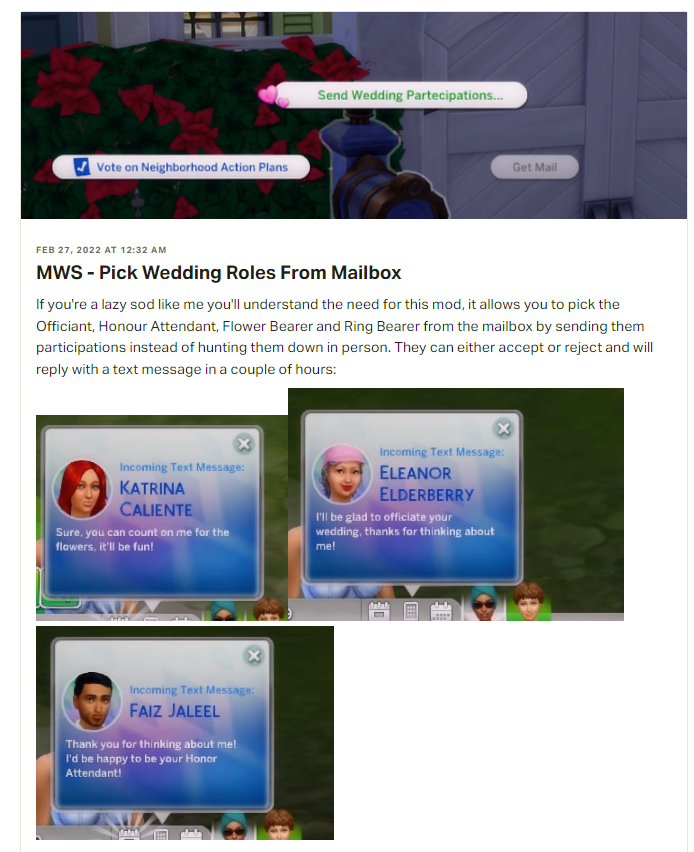
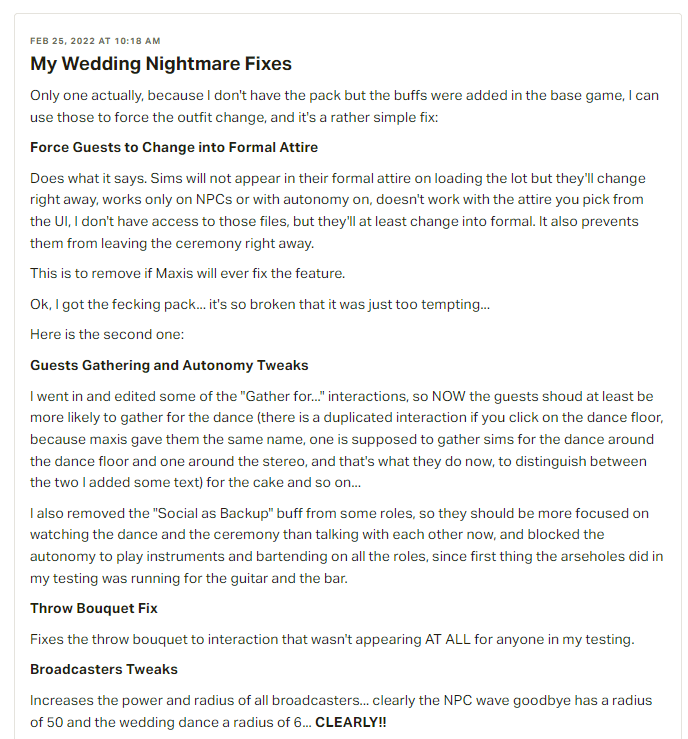
Carl Sims has released a new version of his mod that adds base game weddings pack if you have the pack, among other things. Here’s the link if you use mods (you need both files and script mods need to be enabled, the latest version was released Feb 28). Just place these mods directly in your mods folder, they do not need to be unzipped. https://www.patreon.com/posts/wedding-stories-62954976
Screenshot with details on what Carl’s mod fixes (the final version has all the fixes in the prior versions).
Details on what Carl’s mod fixes (the final version has all the fixes in the prior versions)
TwistedMexis Dual Wedding Systems Mod:
If you just want to add base game weddings back, TwistedMexis has what he calls a ‘light weight mod’ that let’s you do that. Now available to the public. https://www.patreon.com/posts/63098728
Bienchen Batch Mods that Includes Mods that Help with MWS:
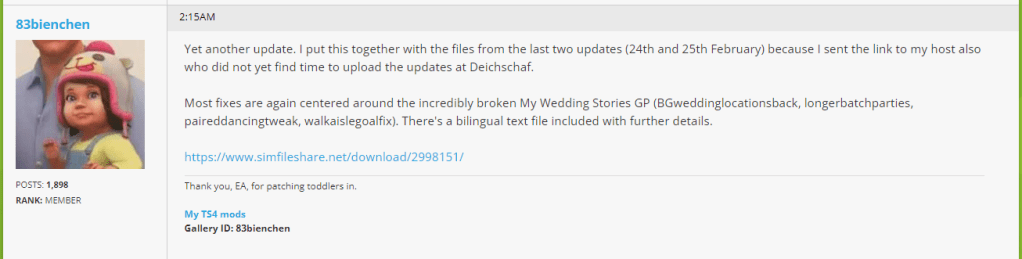
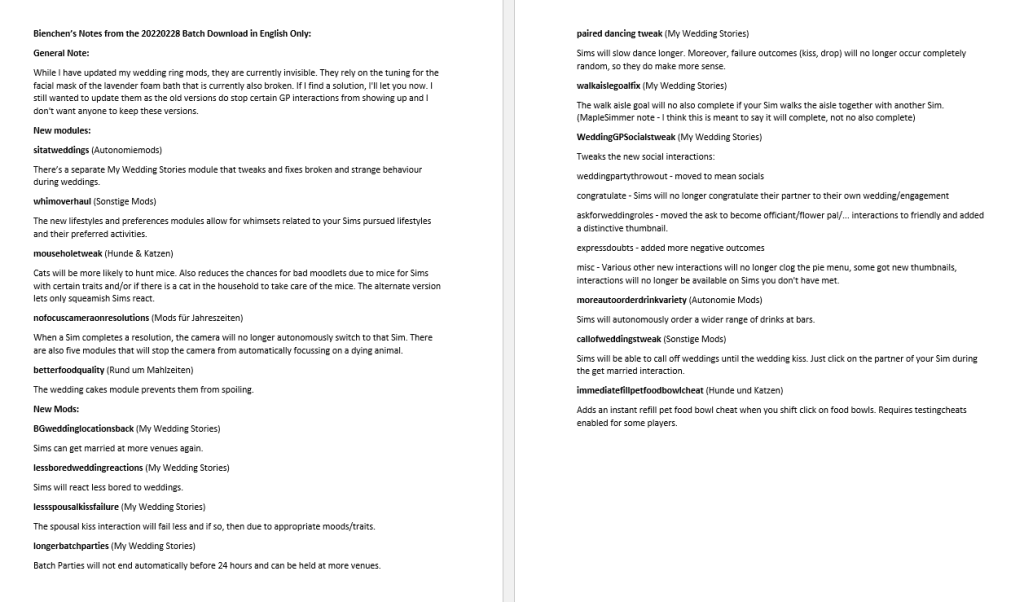
Bienchen has released some mods to help with My Wedding Stories issues – available as a batch download. The batch download also has a notes file to explain what is there. I took all the english notes and compiled them into a document, which I’ve also included a screenshot of below, along with notes from Bienchen from the forums post. There are a number that tweak or fix issues with the pack, you just need to choose the ones you want. They are all zipped so you need to unzip the ones you want. https://simfileshare.net/download/2993490/
English Only Version of Bienchen notes for 20220228 Batch Download
This second link has mods by Zero that help with MWS wedding issues, though it seems to me that some/all of these issues are fixed by Carl’s mods and as I mentioned at the beginning of this section the mods that fix the wedding bugs will quite likely conflict. https://www.patreon.com/posts/my-wedding-fixes-63037455
Sometimes your anti virus software can cause various issues with Sims 4. Please note that this isn’t a new issue and seems to happen randomly. ✅
⚠️ One of the main issues commonly seen when this happens is that mods and custom content don’t stay enabled after an update. ⚠️
However, your anti virus can cause other problems including, but not limited to:
seeing red x’s in the gallery,
being told you need to use the Legacy Version when you don’t,
screenshots not saving to your screenshot folder.
✅Re the anti virus (which can include Windows Defender) blocking Origin/TS4 (and now the EA app) from updating the file, try adding both Origin and TS4 (and the EA app) as trusted applications. For more information on how to do this, see Crinrict’s blog post about it: https://crinrict.com/blog/2020/10/add-exceptions-to-anti-virus-programs.html
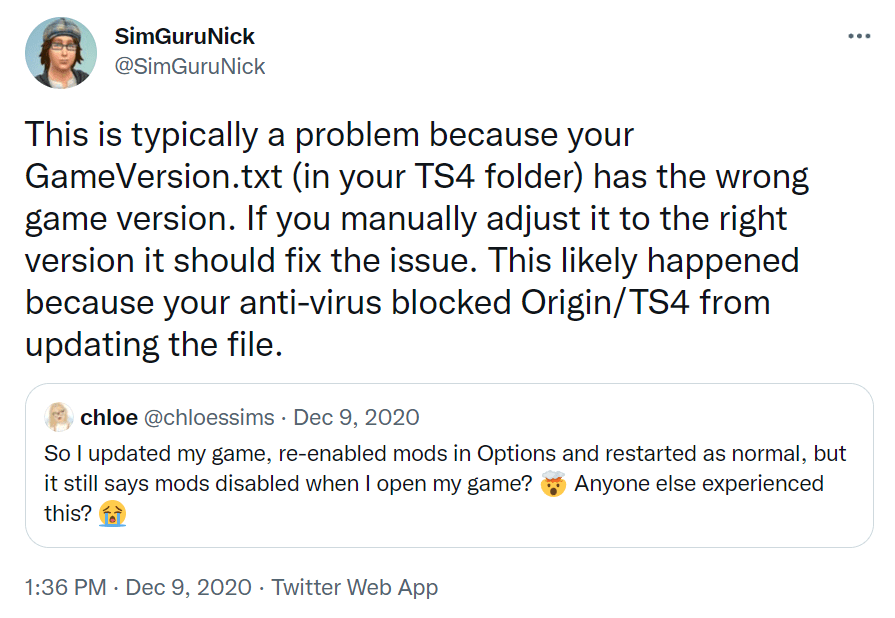
SimGuruNick had a suggestion after the December 2020 update which may help if the problem is caused by your anti-virus. The suggestion is to manually adjust your GameVersion.txt (in your TS4 folder, found under Documents\Electronic Arts) to the correct version.
As of the Nov 2/21 update, the current version for PC: 1.81.72.1030 . While I don’t believe this is an issue for Mac, their current version is: 1.81.72.1230
If you have any questions, need troubleshooting help or want to share your own Sims game play with other Simmers please head over to my Facebook group, Sims Sanctuary or my Discord.